
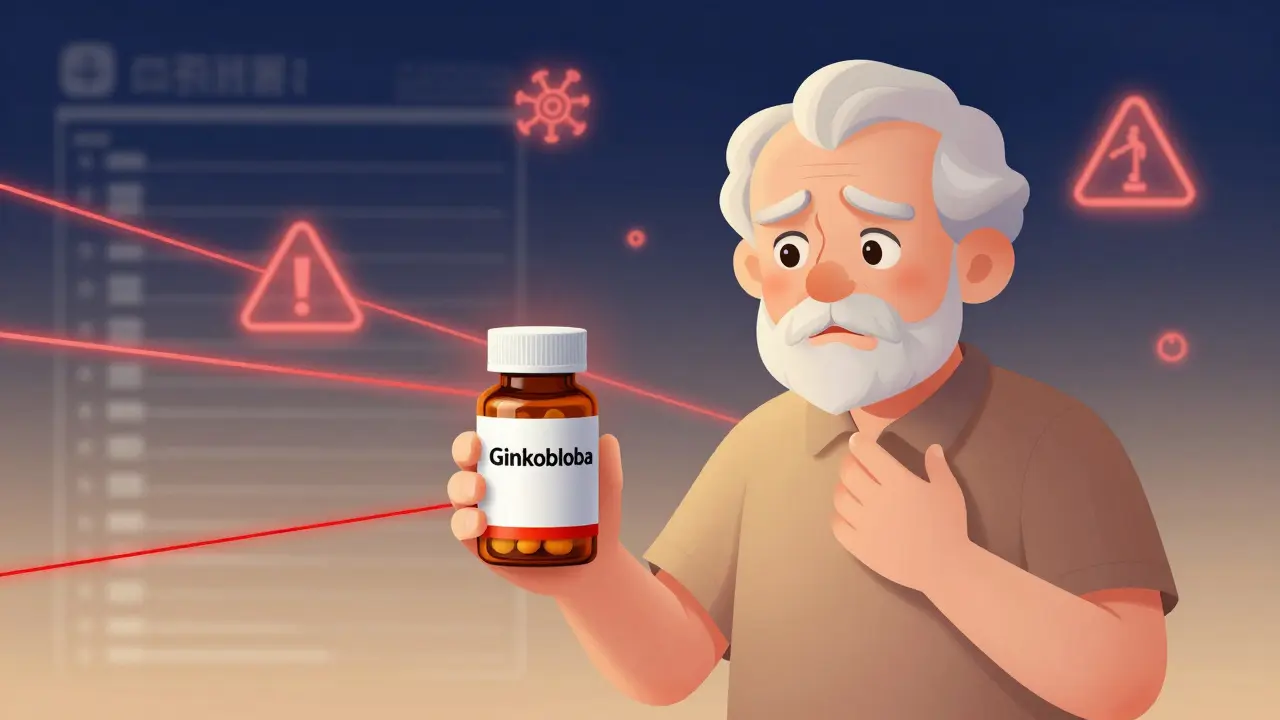
Every year, millions of people take supplements alongside their prescription meds-vitamins, herbs, fish oil, magnesium, turmeric, you name it. But here’s the thing most don’t realize: supplement interactions can be just as dangerous as drug-drug interactions. A 78-year-old on blood thinners who starts taking ginkgo biloba could end up in the ER. A cancer patient on chemo who pops green tea extract might reduce treatment effectiveness. These aren’t hypotheticals. In the U.S. alone, supplement-drug interactions send about 23,000 people to emergency rooms annually.
So how do you avoid this? You check. Not with Google. Not with a random blog. You use a proper drug interaction database designed for supplements. And yes, it’s not as simple as typing in "melatonin" and hitting enter. There’s a method. And if you’re a clinician, pharmacist, or even a savvy patient managing multiple meds, this step-by-step guide will save you from a preventable mistake.
Step 1: Know Which Databases Actually Include Supplements
Not all drug interaction tools are built the same. Most free or general tools-like those built into some EHRs or basic apps-only cover prescription drugs. They ignore supplements. Or worse, they lump them into vague categories like "herbal remedies" without listing actual ingredients.
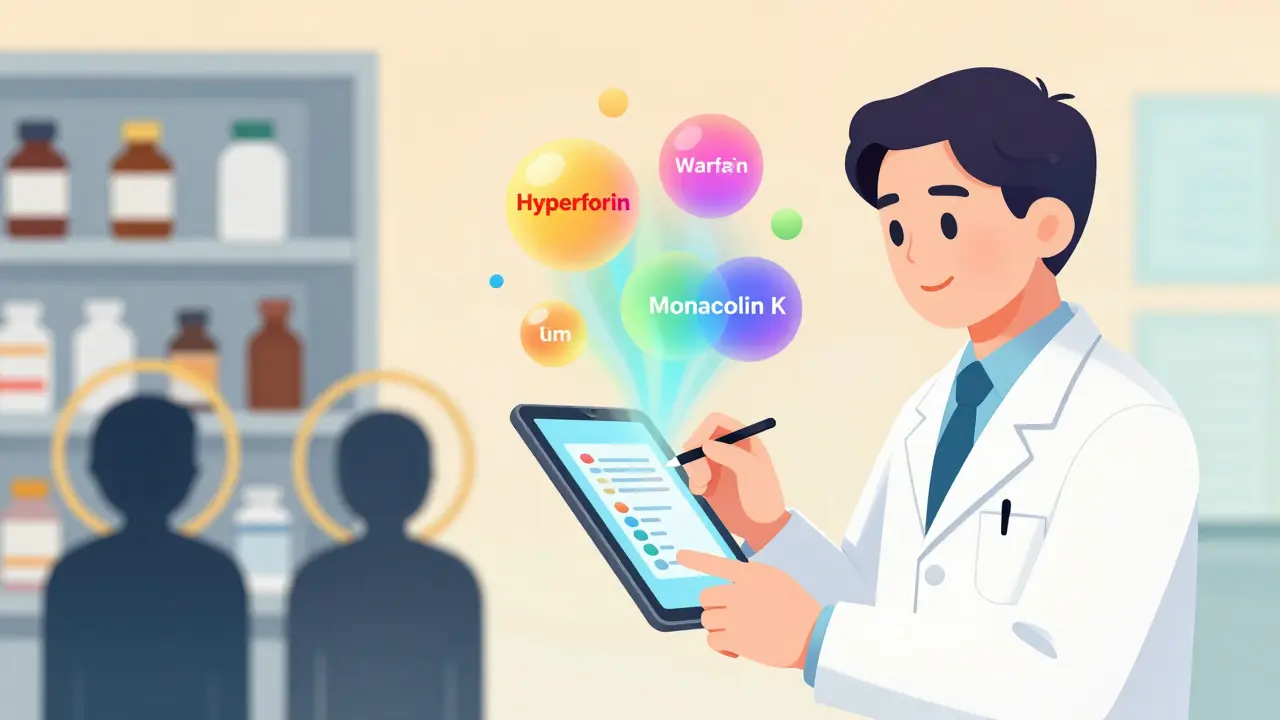
The databases that work for supplements are specialized. The gold standard is NatMed (formerly Natural Medicines). It’s the only platform with comprehensive ingredient-level mapping. It doesn’t just check "St. John’s Wort"-it checks the exact active compounds: hyperforin, hypericin. It maps over 1,900 supplements to 51,000+ commercial product formulations. That’s critical because a supplement labeled "Ashwagandha" might contain 300mg of root extract, or it might be a proprietary blend with 50mg of root and 250mg of filler. NatMed catches the difference.
Other options include DrugBank and FDB’s MedKnowledge, but they fall short. DrugBank has solid drug coverage but only lists about 2,100 herbal interactions-less than half of what NatMed offers. FDB integrates well with hospital systems but only covers 2,400 supplements, and many lack mechanism details. For anyone serious about safety, NatMed is the only choice.
Step 2: Get the Full Supplement Details from the Patient
Patients rarely volunteer supplement use. Studies show only 37% of people tell their doctor they’re taking herbs or vitamins-even when asked. Why? They think it’s "natural," so it’s safe. Or they forget. Or they don’t consider it medicine.
So you have to ask. And not just once. Use a standardized tool like the 10-item Supplement History Interview. Ask for:
- Product names (brand and generic)
- Dosage and frequency
- Why they’re taking it
- Where they bought it (online? pharmacy? health food store?)
- Whether they’ve changed brands recently
Why does this matter? Because 68% of supplement products contain ingredients not listed on the label, according to FDA testing. A bottle labeled "Coenzyme Q10" might actually contain sildenafil analogs. Or a "Turmeric Complex" might have hidden antiplatelet compounds. You need the exact product to check accurately.
Step 3: Enter the Supplement Correctly-Not the Brand Name
Here’s where most people mess up. They type in "GNC Mega Men Multivitamin" into the database. The system says "no results." So they give up.
Wrong move.
You don’t search by brand. You search by active ingredient. GNC Mega Men contains vitamin D3, zinc, selenium, B12, and others. You need to enter each of those individually. NatMed’s system lets you scan barcodes or use its AI-powered name recognition to auto-detect ingredients from product labels. But if you’re typing manually, use the ingredient name: "Vitamin D3," "Zinc gluconate," "Selenium selenomethionine."
Pro tip: If you’re unsure what’s in a supplement, look at the Supplement Facts panel. List every compound. Don’t skip proprietary blends. Even if it says "Blend of 5 herbs: 500mg," you still need to know what those five herbs are. Call the manufacturer. Check the website. Don’t guess.
Step 4: Cross-Reference With Every Medication
Once you have the supplement ingredients listed, match them against every prescription and OTC drug the patient takes. Don’t just check the big ones. Even a low-dose aspirin or an antacid can interact.
For example:
- Warfarin + Vitamin K: Vitamin K reverses warfarin’s effect. A patient on warfarin who starts taking a daily multivitamin with 120mcg of K can see their INR drop dangerously.
- Statins + Red Yeast Rice: Red yeast rice contains monacolin K, which is chemically identical to lovastatin. Taking it with a statin raises muscle damage risk.
- SSRIs + St. John’s Wort: Both increase serotonin. Combined, they can trigger serotonin syndrome-a medical emergency.
- Apixaban + Ginkgo Biloba: Ginkgo inhibits platelet aggregation. Combined with apixaban, it increases bleeding risk. This exact interaction was caught at Johns Hopkins and prevented a major bleed.
NatMed rates each interaction by severity: Contraindicated, Major, Moderate, Minor. Contraindicated means don’t combine. Major means use with extreme caution and monitor closely. Moderate means possible effect, but often manageable. Minor? Usually just a note.
Step 5: Interpret the Severity and Management Advice
A database isn’t useful if it just says "interaction possible." You need to know what to do next.
NatMed goes further than most. It doesn’t just warn you-it tells you:
- What mechanism is involved (CYP3A4 inhibition? Platelet effects?)
- How long the effect lasts
- Whether to stop the supplement, reduce the dose, or monitor lab values
- Alternative supplements with lower risk
For example, if a patient on levothyroxine wants to take calcium supplements, NatMed will tell you: "Take calcium at least 4 hours apart from levothyroxine. Monitor TSH levels after 6 weeks." That’s actionable. Most databases just say "may reduce absorption."
And here’s a hard truth: 58% of supplement interaction databases don’t give management strategies at all. They just say "avoid." That’s not helpful. You need guidance.
Step 6: Document and Follow Up
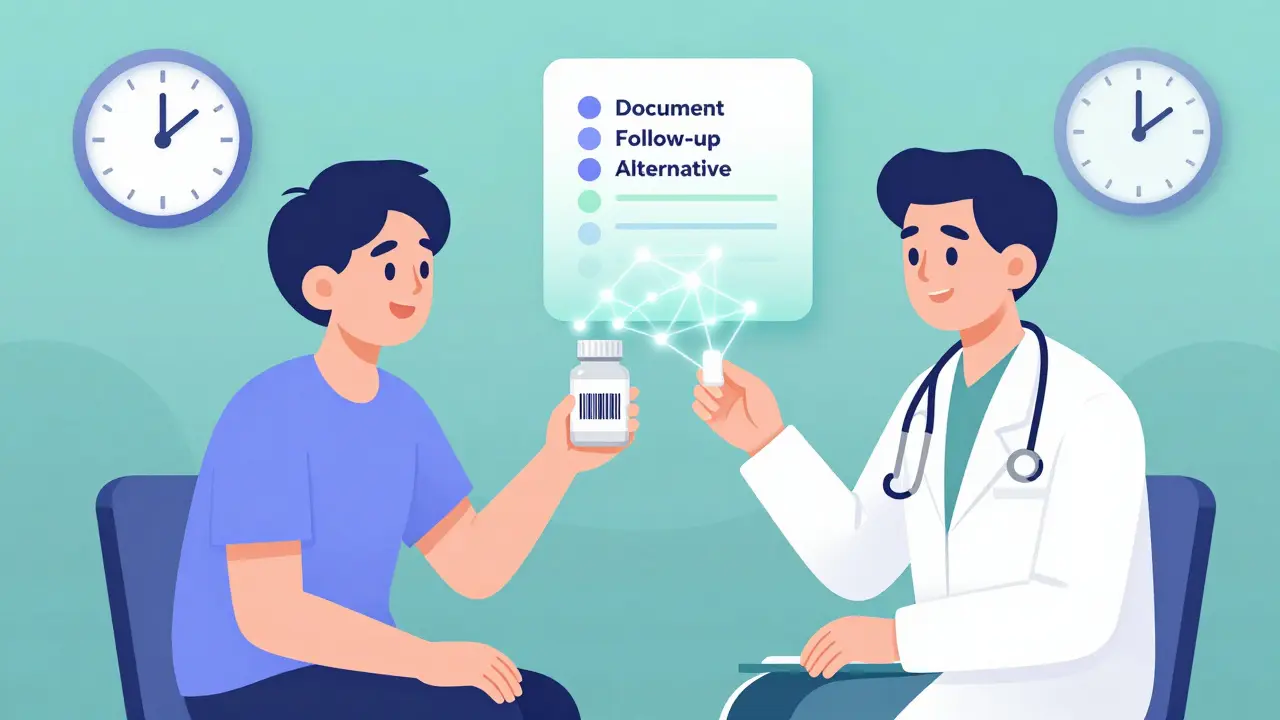
Once you’ve checked the interaction, document it. Not just in your head. Not in a sticky note. In the patient’s chart.
Include:
- Supplement name and exact formulation
- Drug(s) involved
- Interaction severity
- Recommendation (stop, separate timing, monitor)
- Follow-up plan (lab test? appointment? patient education)
Then schedule a follow-up. Three weeks later, call the patient. Ask: "Did you stop the supplement? Any new bruising? Changes in energy?" That’s how you prevent harm.
Common Pitfalls and How to Avoid Them
Even experienced clinicians make mistakes. Here are the top three:
- Assuming "natural" means safe: Just because something is herbal doesn’t mean it’s harmless. Kava kava can cause liver failure. Comfrey can damage your liver. Goldenseal inhibits CYP3A4 and can raise blood levels of many drugs.
- Ignoring OTC drugs: Cold medicines often contain acetaminophen, pseudoephedrine, or dextromethorphan-all of which can interact with supplements. A patient on St. John’s Wort who takes DayQuil could get serotonin syndrome.
- Not checking for changes: Patients switch brands. They buy new bottles online. They start taking something new because a friend recommended it. Re-check every visit.
And if you’re using a free tool? Don’t. It’s not worth the risk. The cost of a NatMed subscription ($499/year) is nothing compared to the cost of an ER visit or a lawsuit.
What’s New in 2026?
Technology is catching up. NatMed’s 2024 update added AI that recognizes supplement names from handwritten notes and voice recordings. FDB is rolling out automatic alerts in Epic EHR systems by mid-2024. The FDA is piloting blockchain verification for supplement ingredients-so in the future, you might scan a barcode and instantly see the full ingredient list verified by the manufacturer.
But until then, the process hasn’t changed. You still need to know the ingredients. You still need to check them properly. And you still need to act on what you find.
Supplements aren’t harmless. Medications aren’t foolproof. The gap between them? That’s where the danger lives. But with the right tool and the right steps, you can close that gap.
Frequently Asked Questions
Can I use free online tools to check supplement interactions?
Most free tools don’t include comprehensive supplement data. Sites like WebMD or Medscape only cover major drugs and a handful of common herbs. They miss proprietary blends, trace ingredients, and newer supplements like CBD or NMN. For accurate safety checks, you need a clinical-grade database like NatMed. Free tools may give you false reassurance.
Do pharmacists check supplement interactions routinely?
In hospitals and clinics with clinical pharmacy services, yes-especially for high-risk patients on anticoagulants, chemotherapy, or immunosuppressants. But in retail pharmacies, it’s inconsistent. Many pharmacists rely on basic drug interaction checkers that don’t cover supplements well. Always ask your pharmacist: "Can you check this supplement with my medications?" Don’t assume they will.
Are all herbal supplements dangerous with medications?
No. Many are safe. But you can’t assume. Some, like vitamin C or calcium, rarely interact. Others, like garlic, ginseng, or echinacea, can significantly affect drug metabolism. The risk depends on the specific supplement, the medication, and the dose. The only way to know is to check each one individually using a reliable database.
What if my patient won’t stop taking a supplement that interacts?
Educate first. Explain the risk in simple terms: "This supplement can make your blood thinner than it should be, and that could cause internal bleeding." Offer alternatives. If they still refuse, document their decision, increase monitoring, and consider adjusting their medication dose. Never ignore the interaction just because the patient won’t comply.
Is there a mobile app for checking supplement interactions?
NatMed has a mobile web app that works on iOS and Android. FDB and DrugBank also offer apps, but their supplement coverage is limited. For the most accurate results, use NatMed’s web platform on a tablet or phone during patient visits. Avoid third-party apps-most aren’t clinically validated.
Next Steps for Clinicians and Patients
If you’re a healthcare provider: Start using NatMed today. If your clinic doesn’t have it, request it. Advocate for it. The cost is small compared to the risk you’re managing.
If you’re a patient: Bring your supplement bottles to every appointment. Don’t just say "I take vitamins." Show the label. Ask: "Could any of these interact with my prescriptions?" If your provider doesn’t know, ask them to check.
Supplement safety isn’t about fear. It’s about awareness. And awareness comes from checking-not guessing.


Aparna karwande
January 6, 2026 AT 13:49